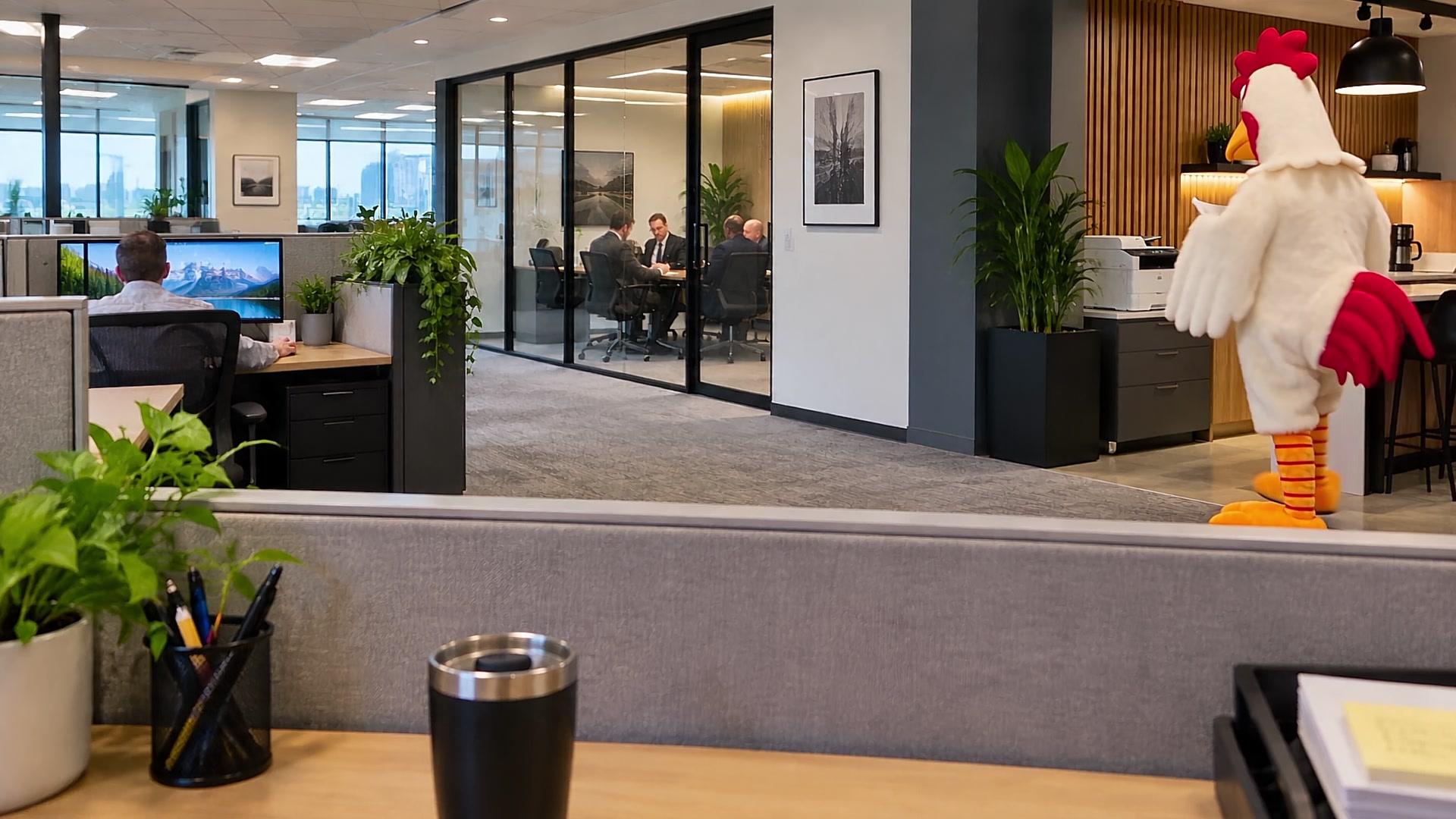
No. 01
Corporate Chaos
Just another perfectly normal day at the office.
Price: $5.99

Hilariously unexpected things happen in otherwise perfectly normal offices. Animated video backgrounds that make your next Zoom meeting a little less predictable.
01The Collection
Choose your office. Preview the madness. Download your favorite.
No. 01
Just another perfectly normal day at the office.
Price: $5.99
Business as unusual.
02The Premise
Your coworkers think they’re looking at an ordinary office.
Then a chicken gets coffee.
A mailroom employee flees the police.
A conference meeting turns into a brawl.
And you? You’re just sitting there discussing quarterly projections.
That’s the joke.
You’re the only normal person in the room.
03How It Works
Find a background that makes you laugh.
Pay $5.99. Get your video instantly. Optimized for Zoom. Ready for your next meeting.
Add it to Zoom as your virtual background. That’s it.
No subscriptions. No special software for supported Zoom installations. No complicated setup.
Already in a meeting? Click the arrow next to Stop Video, choose Choose Virtual Background, and add it there.
Enter the email address you used at checkout. If we find your purchases, we’ll email you fresh download links. No account needed.
04Every Week
New Living Office backgrounds every week.
Different offices. Different characters. Different things that would normally require an HR investigation.
